
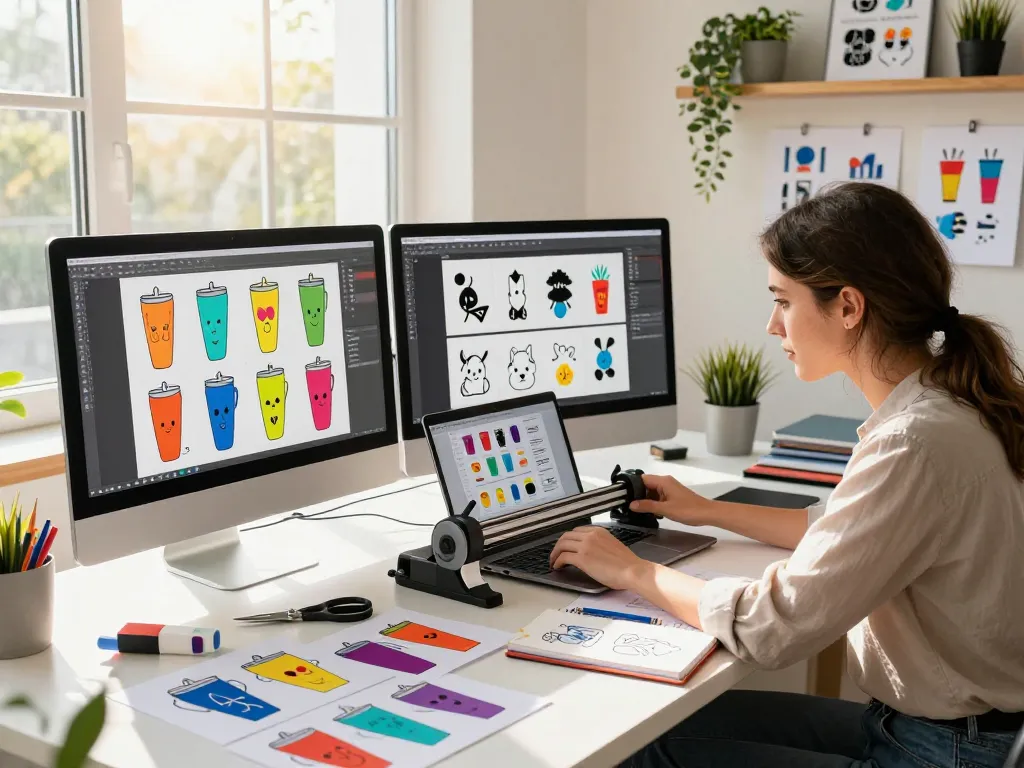
Understanding Svg Files: The Essential Tool for Crafters
In the world of crafting, versatility and creativity reign supreme. At the heart of this vibrant community lies the SVG file format, a crucial element for any crafter’s toolkit. When discussing Svg files, it is important to understand their purpose and the value they bring to projects. SVG, which stands for Scalable Vector Graphics, is a type of vector image format that allows for high-quality designs that can be resized without losing resolution. This makes SVGs particularly popular for various crafting projects, including those using cutting machines like Cricut and Silhouette.
What Are Svg Files and Their Uses?
SVG files are XML-based vector graphics that can define two-dimensional graphics. Unlike raster images such as JPEGs or PNGs, SVGs maintain crispness at any scale, making them ideal for print and digital applications alike. Crafters use SVG files for a myriad of applications, ranging from creating intricate designs for apparel and home decor to crafting personalized gifts. Their adaptability allows for usage across various mediums, including vinyl cutting, engraving, and web design.
Advantages of Using Svg Files for Crafts
The benefits of utilizing SVG files in crafting are numerous:
- Scalability: SVG files can be resized without any loss of quality, meaning crafters can create large banners or small stickers without pixelation issues.
- Editability: SVG files can be opened and modified in various vector graphic software, allowing for easy customization to fit individual projects.
- Lightweight: Generally, SVG files are smaller in file size compared to other formats, making them easier to store and share.
- Interactivity: SVGs can incorporate animations and interactivity, enhancing the visual appeal of digital projects.
Common Misconceptions About Svg Files
Despite their popularity, there are several misconceptions about SVG files that can deter new crafters:
- Complex to Use: Many believe SVGs require advanced technical skills. However, with user-friendly software available, even beginners can master SVG manipulation.
- Limited Compatibility: While some cutting machines favor specific formats, most modern machines fully support SVG files, making them versatile for different devices.
- Not Suitable for Commercial Use: Many SVG files come with licenses that allow for commercial use, provided the terms are adhered to, making them great for small business owners.
Top Svg Files for Tumblers: Our Exclusive Collection
When it comes to specialty crafting items like tumblers, having access to high-quality SVG files can set your designs apart. At SVG Bundle, we offer an extensive collection of over 24,000 tumbler design SVG bundles, ensuring that every crafter finds something perfect for their needs. Our curated designs not only inspire creativity but also cater to current trends and themes.
Exploring the Most Popular Tumbler Design Svg Files
The market for custom tumblers has exploded, and with it, the demand for unique SVG files. Popular designs often include themes for holidays, events, and personalized messages. For instance, seasonal designs featuring winter motifs or festive graphics for holidays capture the interest of consumers looking for personalized gifts. Our bundle includes thousands of these trending designs, ensuring crafters can keep their offerings fresh and appealing.
How to Choose the Right Svg Files for Your Projects
Choosing the right SVG files can make a significant difference in the outcome of your projects. Here are some tips to guide you:
- Consider Your Audience: Understand the preferences of your target market. Select designs that resonate with them for better engagement.
- Stay Trendy: Keep an eye on crafting and design trends to choose SVG files that will be popular with buyers.
- Prioritize Quality: Select high-resolution SVG files to ensure your projects look professional and polished.
Seasonal and Themed Svg Files: What’s Trending Right Now?
Tracking seasonal and thematic trends is essential for any successful crafting business. As of 2026, designs focusing on eco-friendly themes, celebrations of diversity, and custom family-oriented graphics are gaining traction. These trends reflect society’s evolving values and interests, offering crafters the opportunity to create relevant and meaningful products.
How to Work with Svg Files: A Step-by-Step Guide
Working with SVG files effectively requires a clear understanding of your cutting machine and the software you’ll be using. Whether you’re a beginner or an experienced crafter, following a structured approach can enhance your crafting experience.
Preparing Your Cutting Machine for Svg Files
Before diving into your project, ensure that your cutting machine is ready to handle SVG files. Start by updating your machine’s software to the latest version, ensuring compatibility with SVG formats. Follow the manufacturer’s guidelines for uploading SVG files to guarantee a smooth crafting process.
Editing Svg Files for Customization: Best Practices
To tailor your SVG files, you may need to make edits. Use vector graphic software like Adobe Illustrator or Inkscape for this purpose. Best practices include:
- Keep a Backup: Always save the original file to revert back if needed.
- Use Layers: Organize your design in layers for easier modifications and adjustments.
- Test Cuts: Perform test cuts on scrap material to ensure the final product meets your expectations.
Common Challenges and How to Overcome Them
Crafters often encounter challenges when working with SVG files, from software issues to design complexities. Here are some common obstacles and their solutions:
- File Not Uploading: If your SVG won’t upload, check for file errors, and ensure your machine supports the format.
- Cutting Errors: Adjust your machine settings or blade depth if you notice inaccurate cuts.
- Design Issues: If your design doesn’t look as expected, revisit your editing software to troubleshoot specific elements.
Boosting Creativity with Svg Files: Tips and Techniques
Utilizing SVG files creatively can enhance your projects significantly. Here are some techniques that can inspire innovative designs:
Incorporating Unique Designs into Your Projects
To stand out in the crafting market, consider mixing different SVG files to create unique compositions. Layering designs or merging elements from multiple files can produce one-of-a-kind results that showcase your individuality as a crafter.
Mixing Svg Files with Other Crafting Techniques
Combining SVG files with other crafting methods can yield striking results. Techniques such as sublimation printing, watercoloring over printed SVG designs, or incorporating vinyl decals into handmade items can add a personal touch that resonates with customers.
Creating a Signature Style in Your Crafting Projects
Developing a signature style is essential for branding. Use recurring themes, colors, or design elements in your projects to create a recognizable aesthetic that will set you apart from the competition. Over time, this will attract a loyal customer base.
Future Trends in Svg Files and Crafting: What’s Next?
As we edge further into 2026, the crafting industry is poised for exciting innovation. The evolution of SVG files and crafting techniques continues to unfold, creating opportunities for those willing to adapt.
Emerging Technologies in Svg File Creation
Advancements in technology are reshaping how SVG files are created and utilized. Artificial intelligence and machine learning are paving the way for automated design processes, enabling crafters to generate custom SVG files tailored to individual needs in real time.
The Role of Community in Svg File Sharing and Collaboration
The crafting community thrives on sharing and collaboration. Platforms that facilitate the exchange of SVG files not only enhance creativity but also foster a supportive environment for crafters. Community-driven design challenges and group projects are becoming more common, leading to richer crafting experiences.
Predictions for the Crafting Industry in 2026 and Beyond
The future of crafting is bright, with an increasing focus on sustainability and inclusivity. Crafters are prioritizing eco-friendly materials and practices, making conscious choices that reflect their values. The rise of customizable and personalized crafting experiences, driven by user-friendly technology, is anticipated to attract a wider audience.
What are the best websites to find free Svg files?
Numerous resources are available for those looking for free SVG files, including platforms like FreeSVG.org and SVG Repo. These sites offer a wealth of designs suitable for various crafting projects without breaking the bank.
Can Svg files be used commercially?
Yes, provided the license permits it. Many SVG file creators allow for commercial use, but it’s important to read the licensing agreements carefully to ensure compliance.
How can I edit Svg files easily?
Editing SVG files can be done seamlessly with software such as Inkscape and Adobe Illustrator. These tools provide user-friendly interfaces that allow for easy customization of designs to fit your project needs.
What cutting machines are compatible with Svg files?
Most modern cutting machines, including Cricut, Silhouette, and Brother ScanNCut, are compatible with SVG files, making them ideal for a broad range of crafting applications.
What are the differences between Svg and other file formats?
The primary difference lies in scalability and quality. SVG files are vector-based, meaning they can be resized indefinitely without loss of quality, while formats like JPEG and PNG are raster images that may pixelate when enlarged.